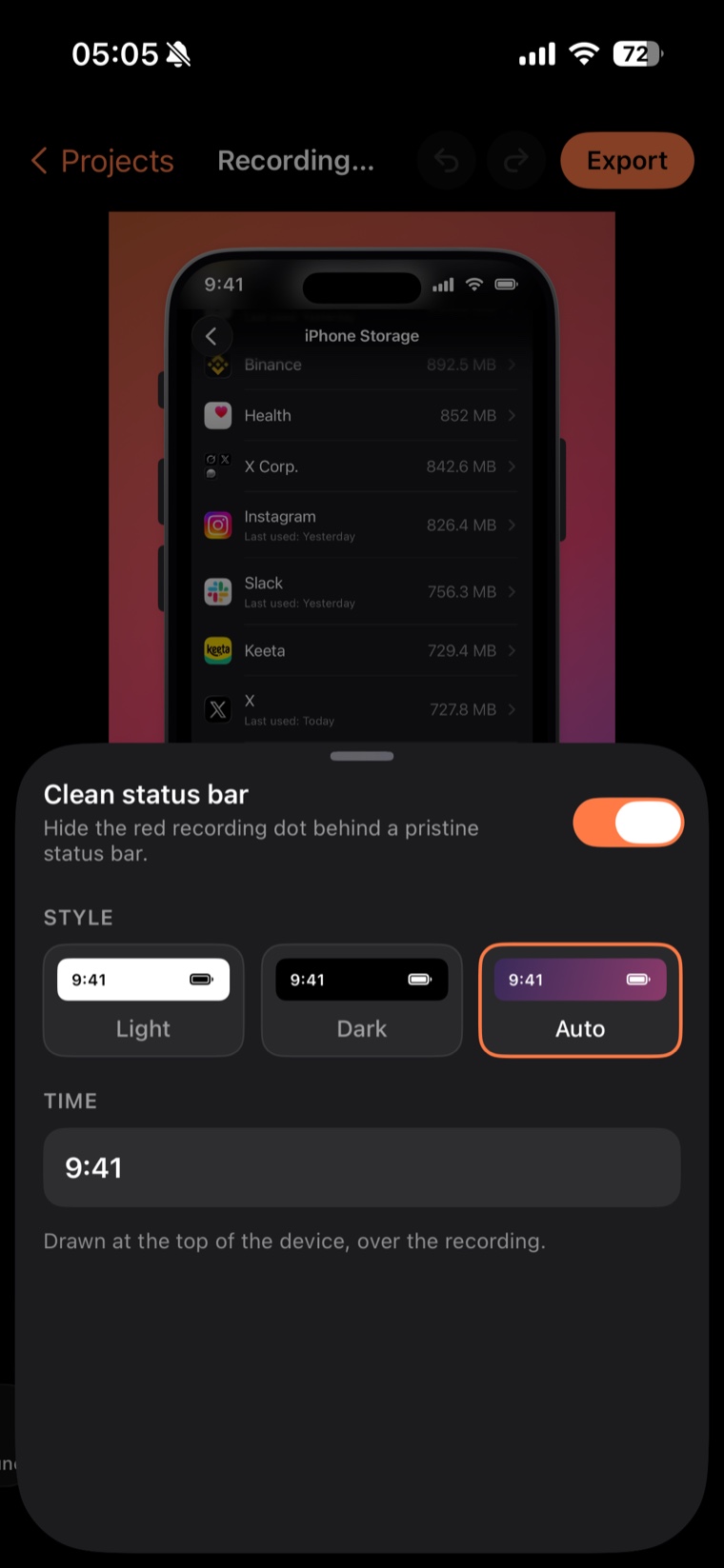
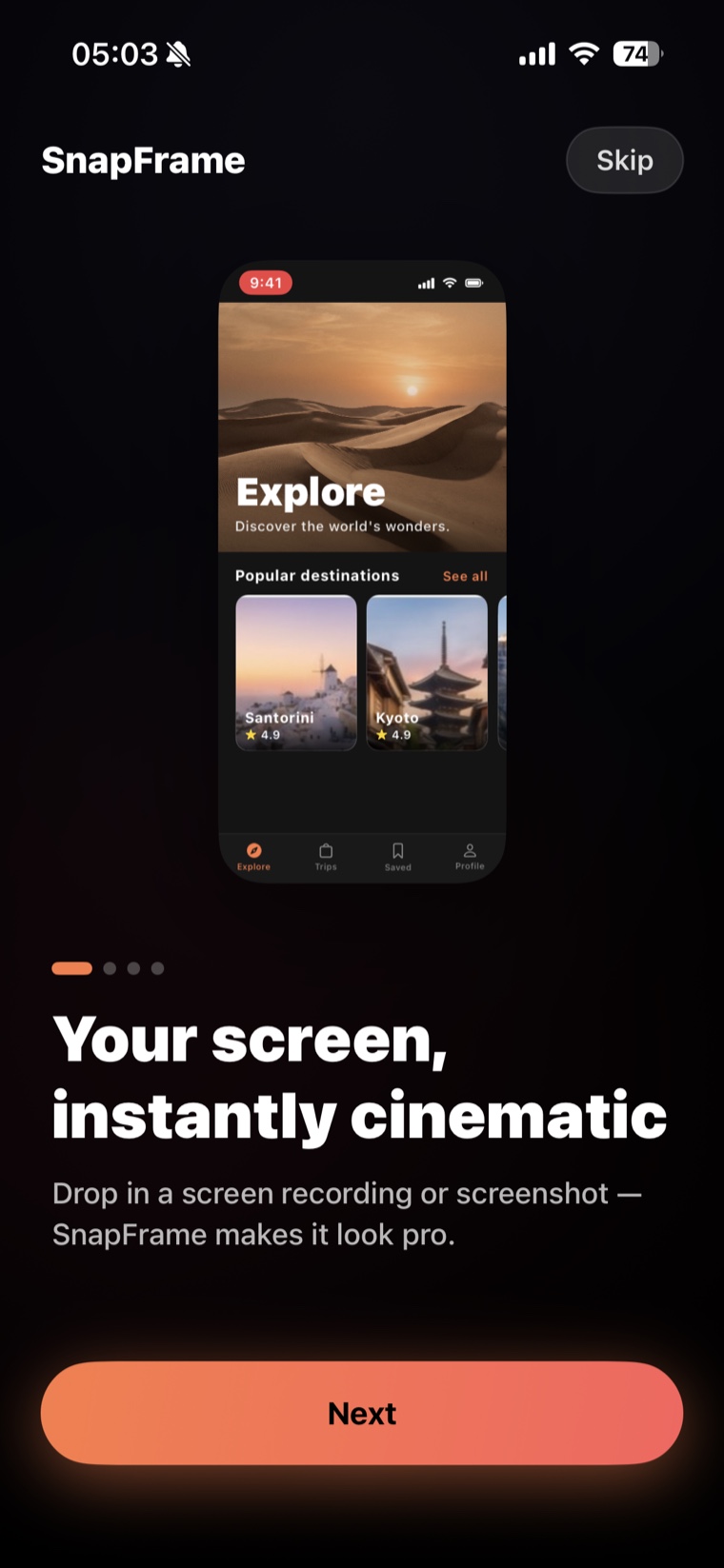
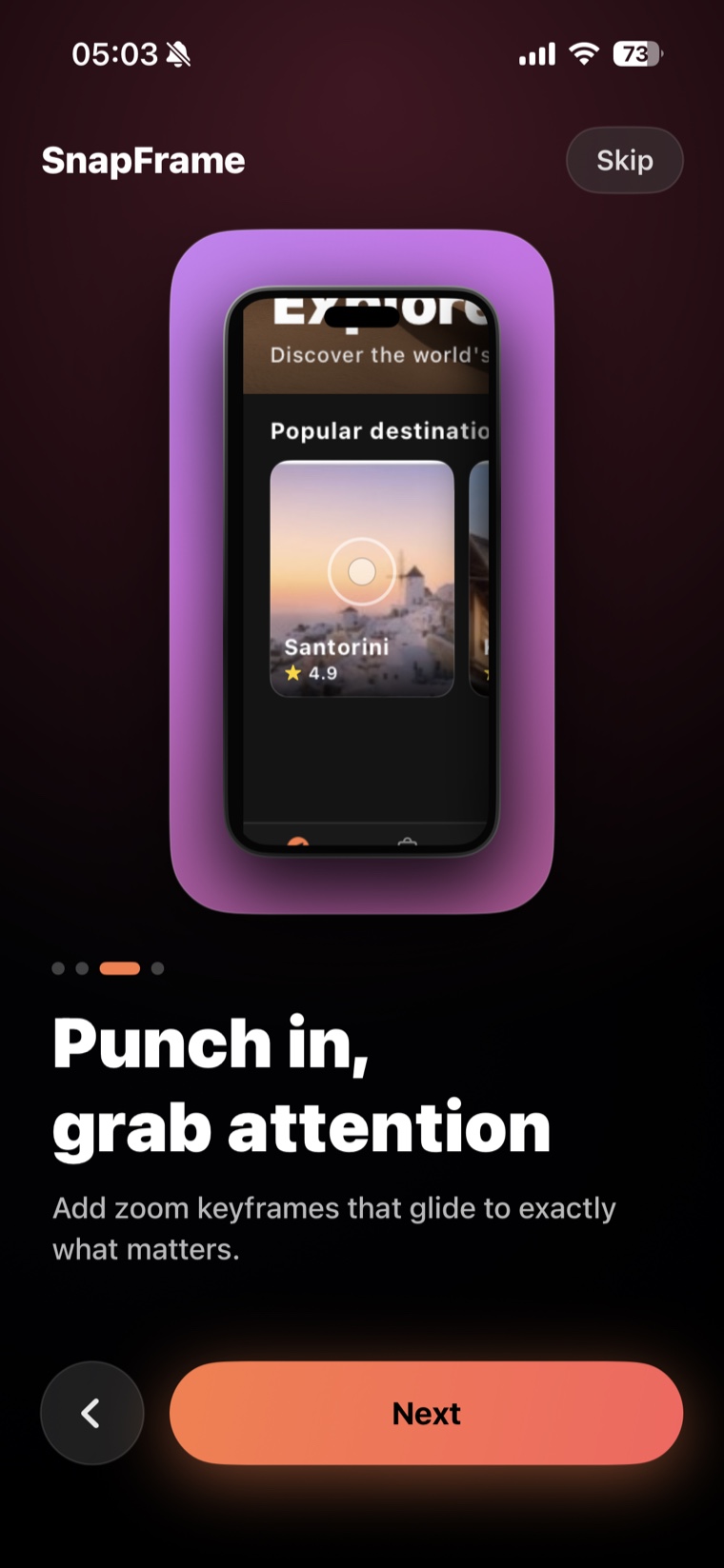
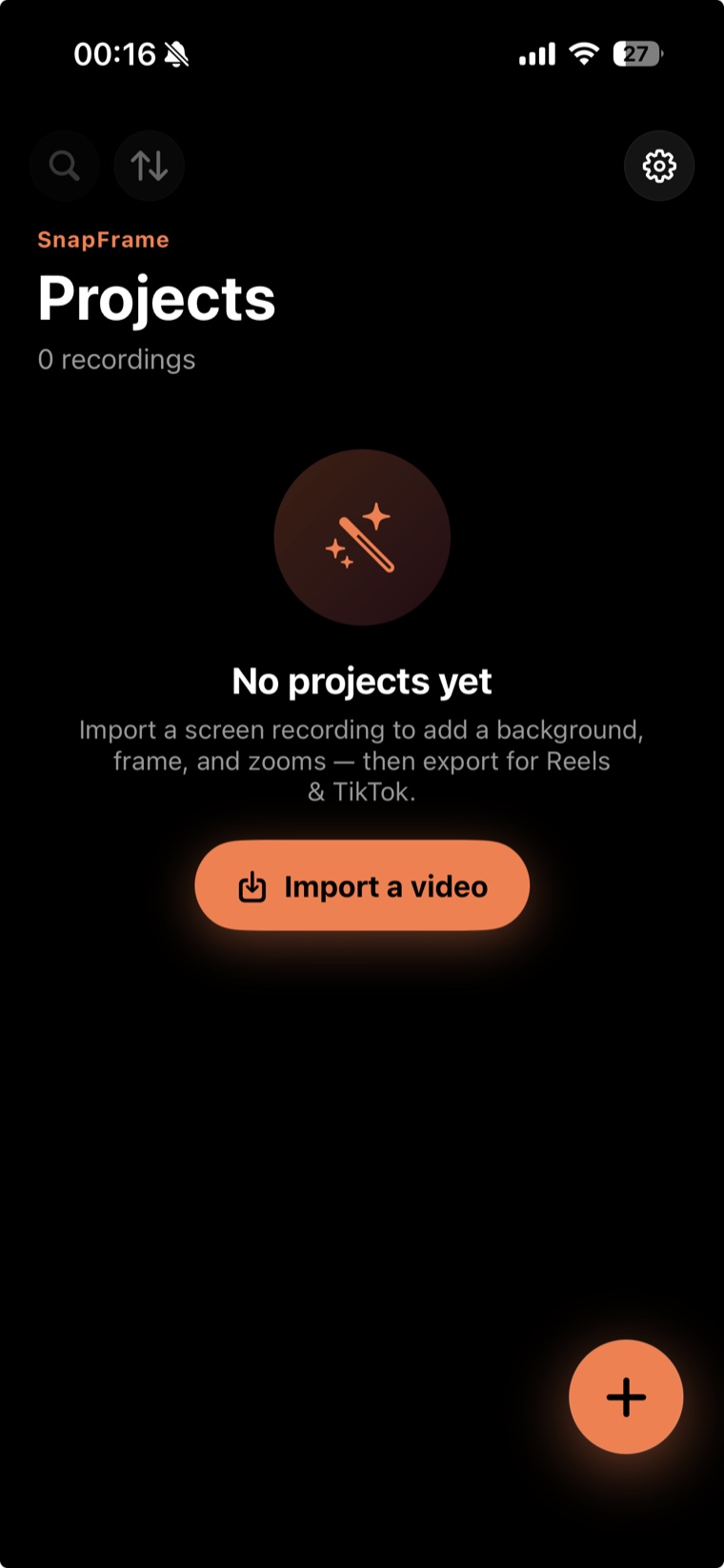
Start with a screenshot, a screen recording, or a file shared straight into SnapFrame.
Turn captures into launch-ready demos.
Device frames, camera zooms, captions, and backdrops — exported in crisp 4K for the App Store and social.
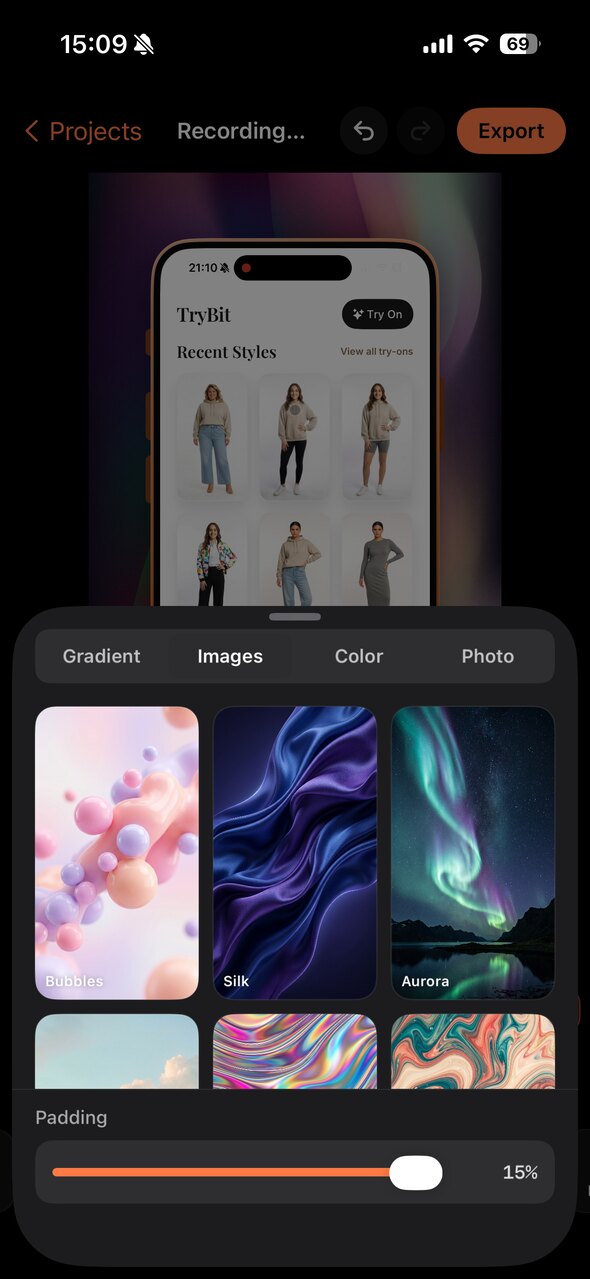
From raw capture to polished media in three steps.
One native app to clean the capture, direct the viewer's focus, and export the exact format you need.
Pick the frame, backdrop, captions, and zoom moments — then choose your delivery ratio.
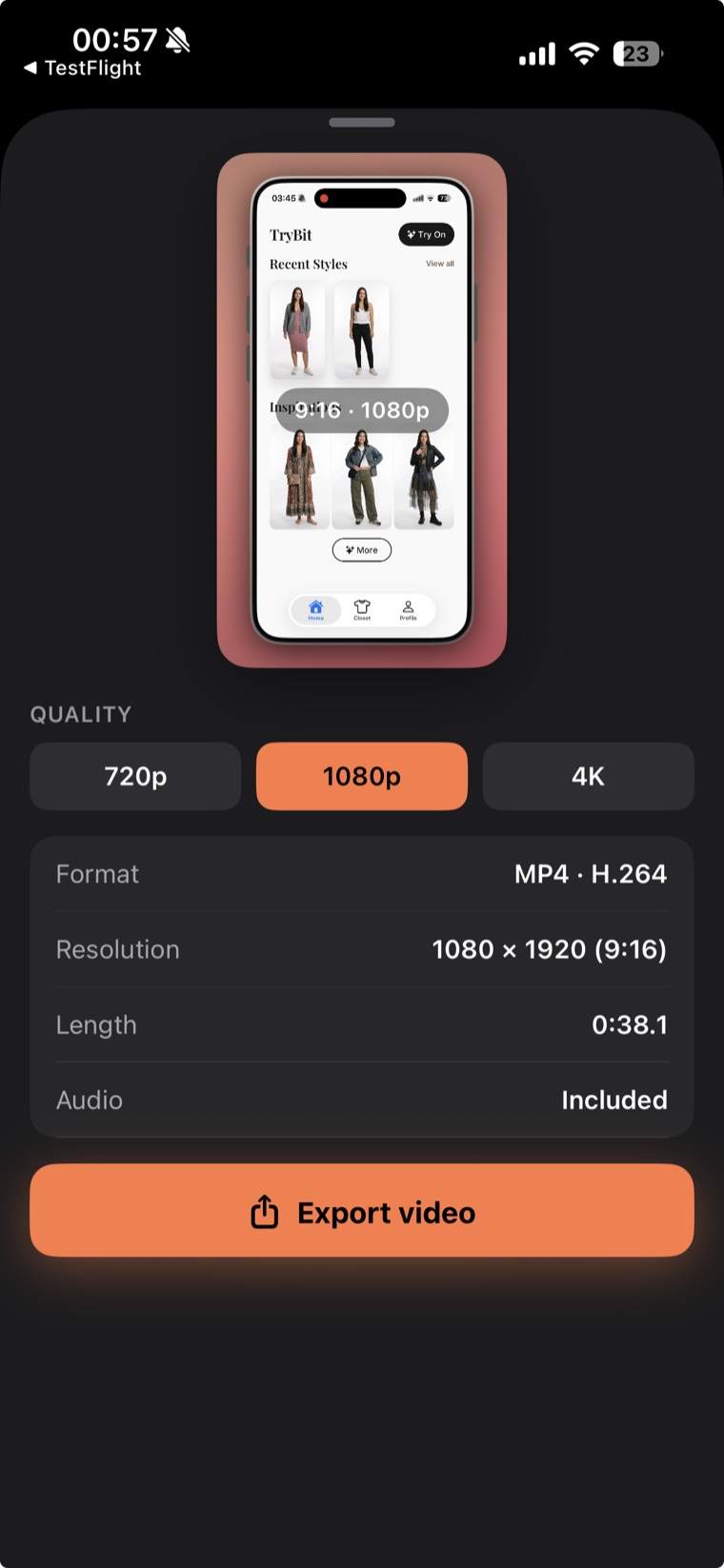
Export to Photos in up to 4K for the App Store, TikTok, Reels, Product Hunt, and landing pages.
Make the next capture worth posting.
Download SnapFrame and turn raw iPhone captures into polished media — without opening a desktop editor.
Download on the App Store